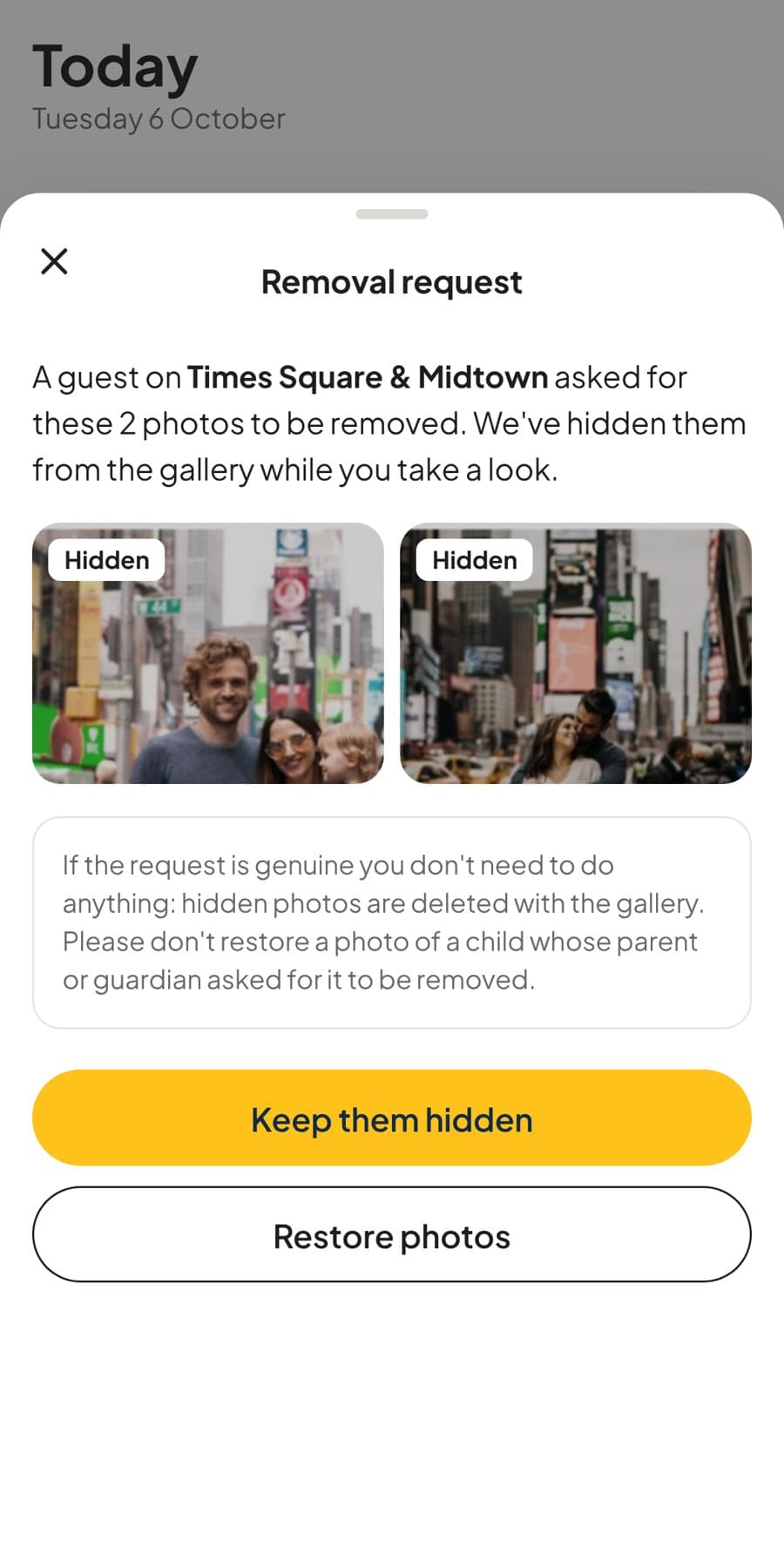
Photo removal
If you, or a child you're responsible for, appear in a GuideGallery photo you'd rather not have shared, you can have it taken down. You don't need an account or a reason.
From the gallery
- 1Open the galleryUse the QR code or link your guide shared after the tour.
- 2Tap Contact your guideChoose “A photo I'd like taken down”, pick the photos, and add your email so we can confirm.
- 3They're hidden straight awayThe photos disappear from the gallery at once, while your guide takes a look. Your guide is asked never to restore a photo of a child whose parent or guardian asked for it to be removed.
Can't open the gallery?
Email us with the guide's name, the tour and date, and a description of the photo. We'll find it and take it down. Every gallery is deleted 7 days after the tour in any case.
Email a removal request